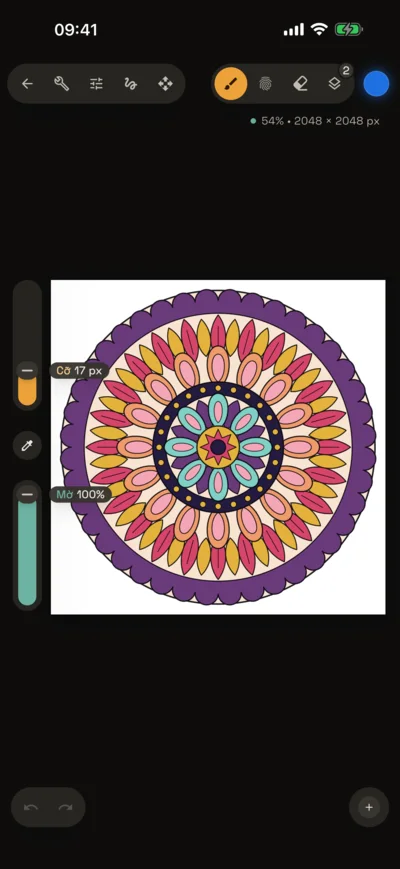
Brushes you design yourself, layers with groups and masks, color adjustments, animation and time-lapse.
Free, no account needed. Your art stays on your device.
Coming soon to theApp StoreComing soon toGoogle Play
Email us and we’ll let you know when Brushwick arrives on the App Store and Google Play. The app is available in 12 languages, including English.
Features
Everything for a quick sketch or a finished piece
The tools you need for serious drawing, in a calm dark interface that keeps your art the brightest thing on screen.
Brushes and Brush Studio
11 built-in brushes: pencils, ink, calligraphy, watercolor, oil, charcoal, chalk… Tune the tip, grain and response to pressure and tilt to make your own.
Hold the pen still at the end of a stroke and it snaps into a clean line, ellipse or polygon. Tap with another finger for a perfect circle or regular polygon.
Drag to fill
Drag the color swatch onto your art to fill a closed area. Set the reference to the canvas to fill up to line art on another layer.
Perspective and symmetry
2D grid, isometric and perspective guides with draggable vanishing points. Vertical, horizontal, quadrant and radial symmetry. Drawing Assist snaps your strokes to the guide.
Selection and transform
Automatic, freehand, rectangle and ellipse selection. Freeform, uniform, distort and mesh warp transforms.
12 adjustments
HSB, color balance, curves, gradient map, three kinds of blur, noise, bloom, chromatic aberration, halftone and liquify.
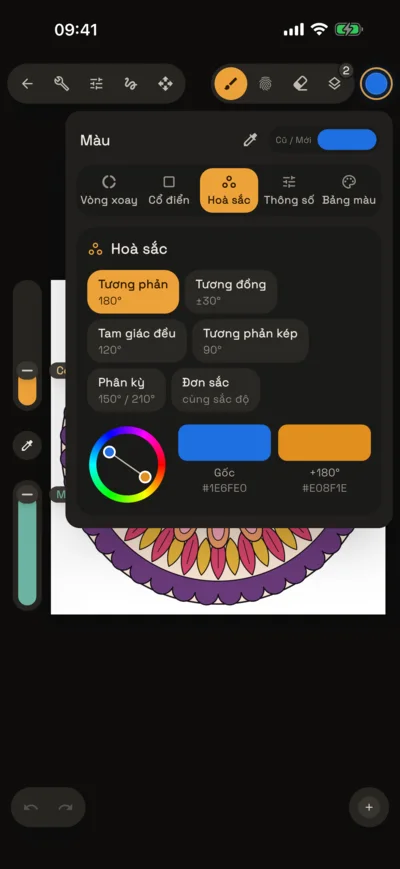
Color and harmony
Color disc, classic picker, HSB values and hex codes. Six harmony modes suggest colors that go together, and your saved palettes are always one tap away.
Inside the app
From the first line to the last frame
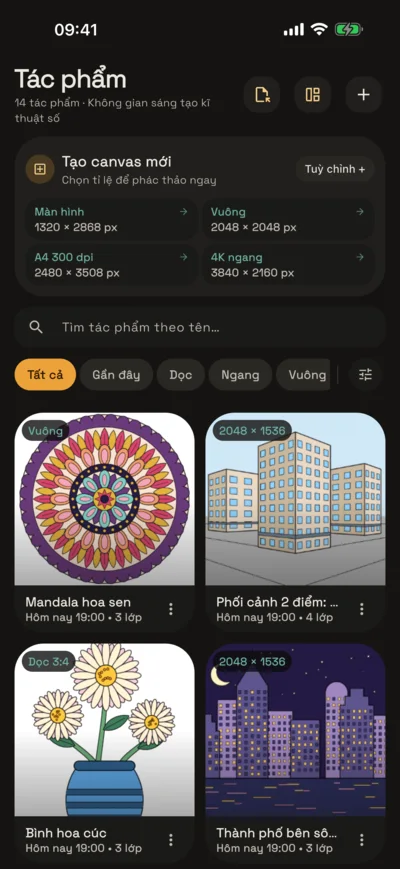
Template library
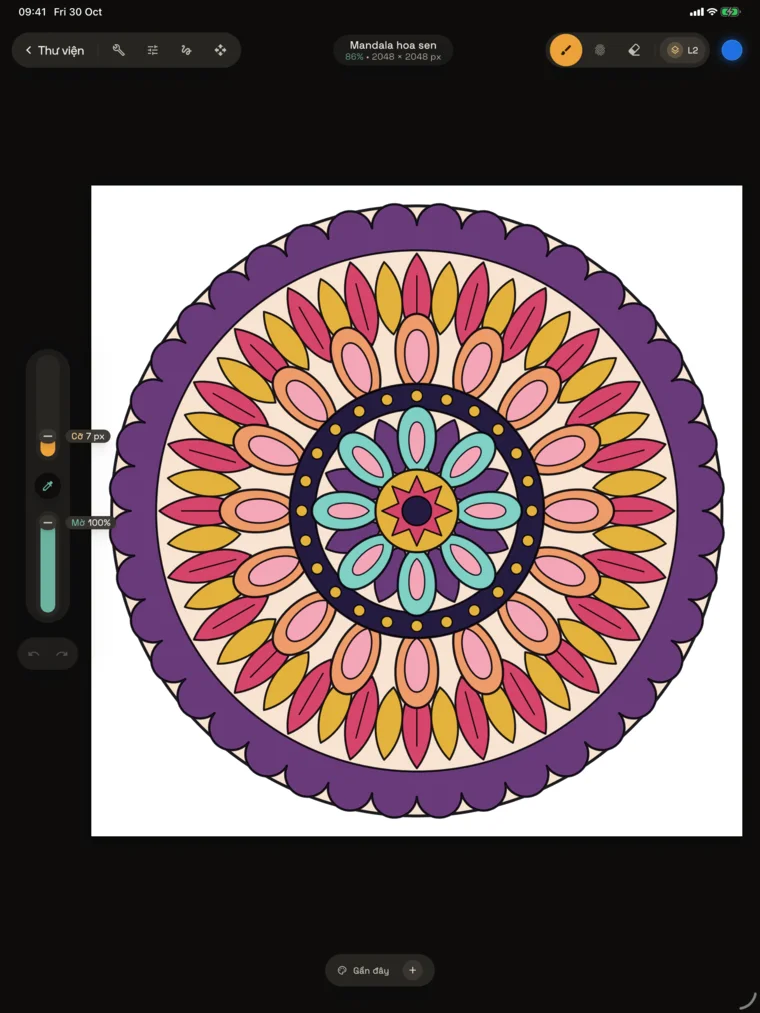
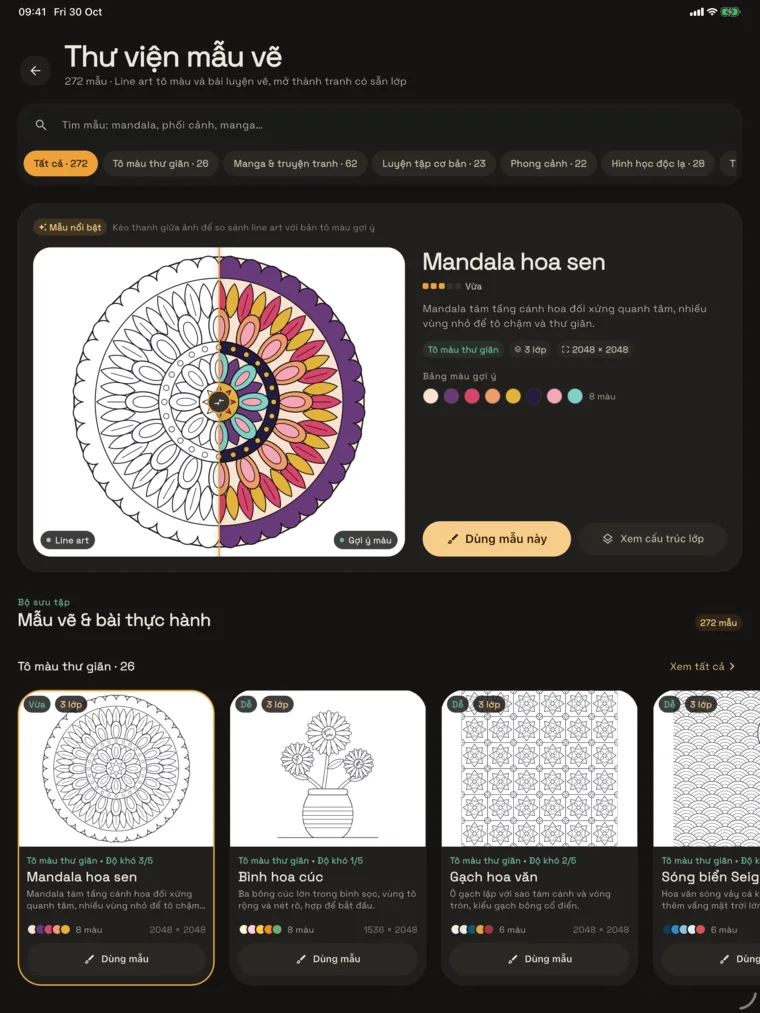
Open a template, start coloring
272 algorithmically generated line-art templates, from mandalas, Penrose tilings, stained glass and mazes to a Dong Son bronze drum, Hoi An lanterns, perspective scenes, comic panels, fairy-tale heroes and manga characters.
Each one opens with its layers ready to go and a suggested palette.
Preview the line art and the colored version side by side
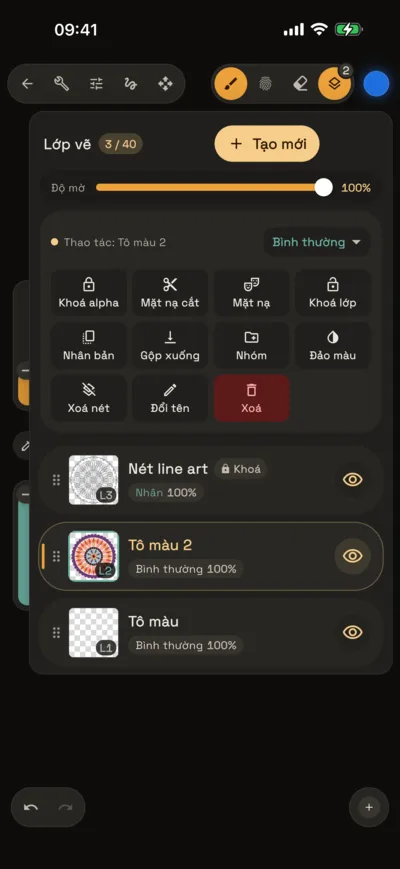
Line art sits on top in Multiply, locked so you never paint on it by mistake
Turn on the Color guide layer for a reference
Adjustments
Color and effects, previewed live
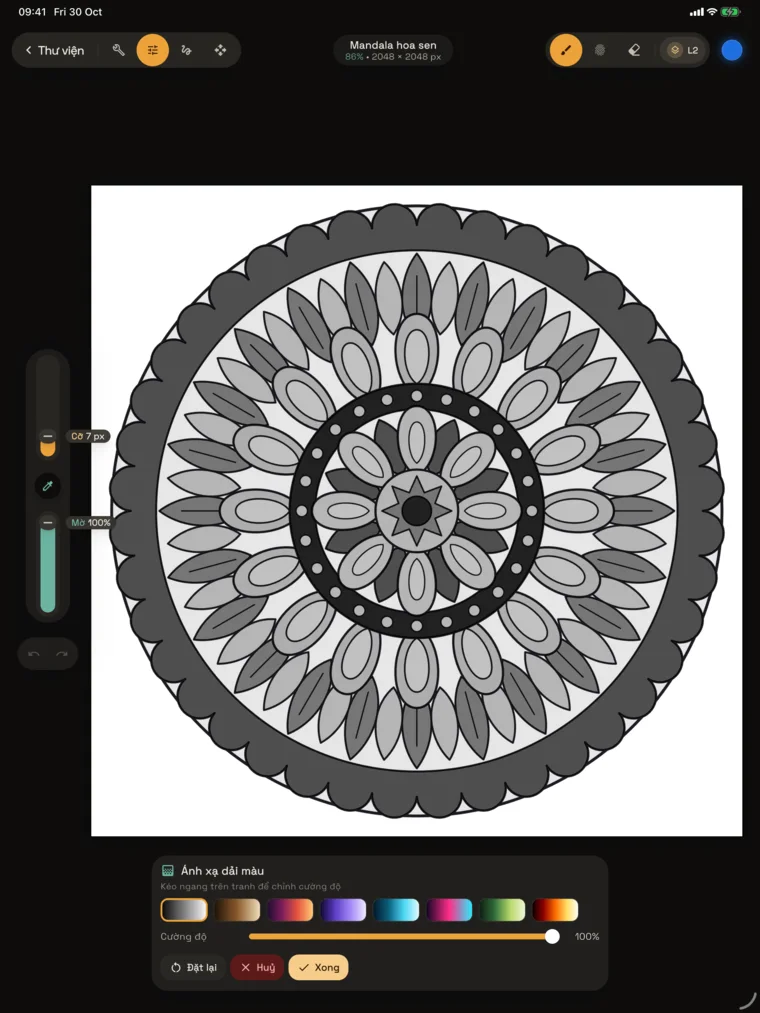
Apply to a whole layer or just inside a selection. Drag across the canvas to change the strength, then tap Done or Cancel.
Hue, saturation, brightness
Color balance
Curves
Gradient map
Gaussian blur
Motion blur
Perspective blur
Noise
Bloom
Chromatic aberration
Halftone
Liquify
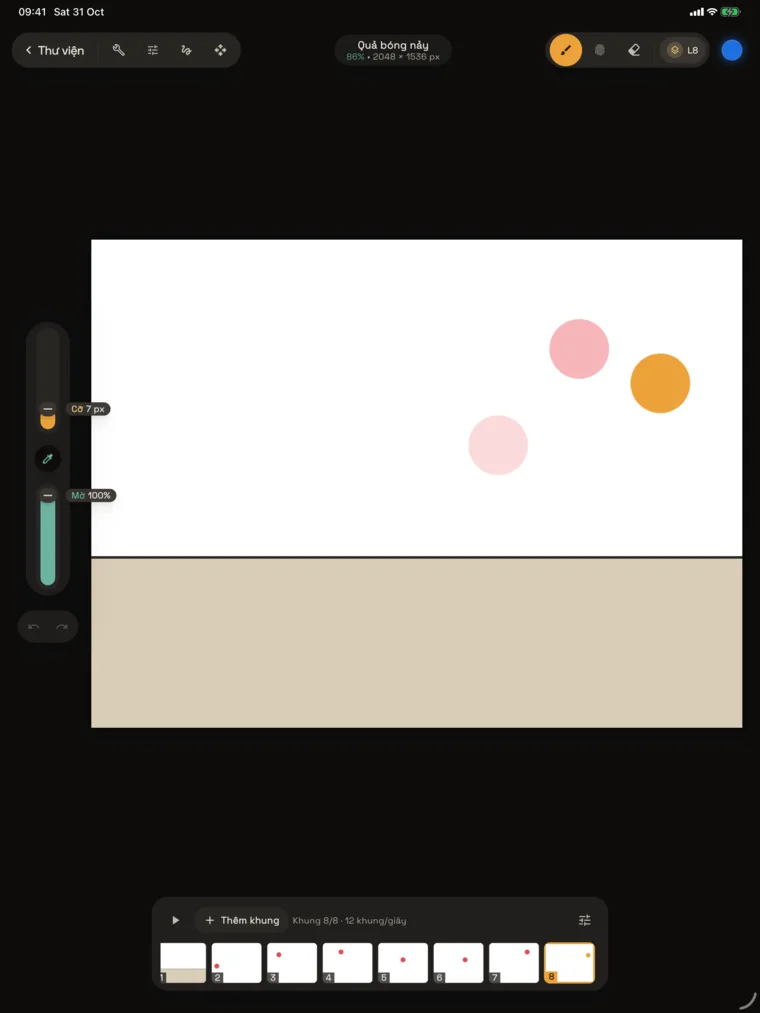
Animation Assist
Every layer is a frame
Turn on Animation Assist and your layers become a timeline. Onion skin shows the frames before and after, so you can get the timing just right.
1–60 frames per second, loop, ping-pong or one shot
Hold frames longer, and keep the first frame as the background or the last as the foreground
Export the animation as an MP4 video
iPad, iPhone, Android
Big screen or small, still a studio
The interface adapts to the screen: floating panels on tablets, everything within thumb reach on phones.
Apple PencilPressure and tilt. Double-tap or squeeze does whatever you chose in iPad Settings: switch to the eraser, go back to the previous tool, or open the color panel.
Familiar gesturesTap with two fingers to undo, three to redo; pinch and twist to zoom and rotate the canvas.
Android phones and tabletsThe same features and file formats, with stylus support.
Draw
Harmony
Gallery
Export
Take your art anywhere
Export, then share through the system share sheet: save to Photos or Files, send a message or open it in another app.
PSD
Photoshop
Keeps layers, groups, clipping masks, opacity and blend modes so you can pick up where you left off on your computer.
PNG
PNG image
Flattened image, with a transparent background when you hide the background color.
TIFF
TIFF image
Lossless flattened image, ready for print.
PDF
PDF document
One page with the same proportions as your canvas, easy to send and print.
MP4
Time-lapse
The app records your process as you draw. Export a 30-second cut or the full-length version.
MP4
Animation
Your frames as a video, at the speed and playback mode you chose.
Your art stays on your device
No account needed. Drawings, brushes, palettes and time-lapse frames are stored only on your device and never uploaded to any server.
It leaves your device only when you choose to share it. Read the privacy policy.
 Brushwick